Letters: edit, save to the matter, send
The next letter opens in Lawtic, filled in from the matter. Edit it, save it as Word and PDF, then send it your way.
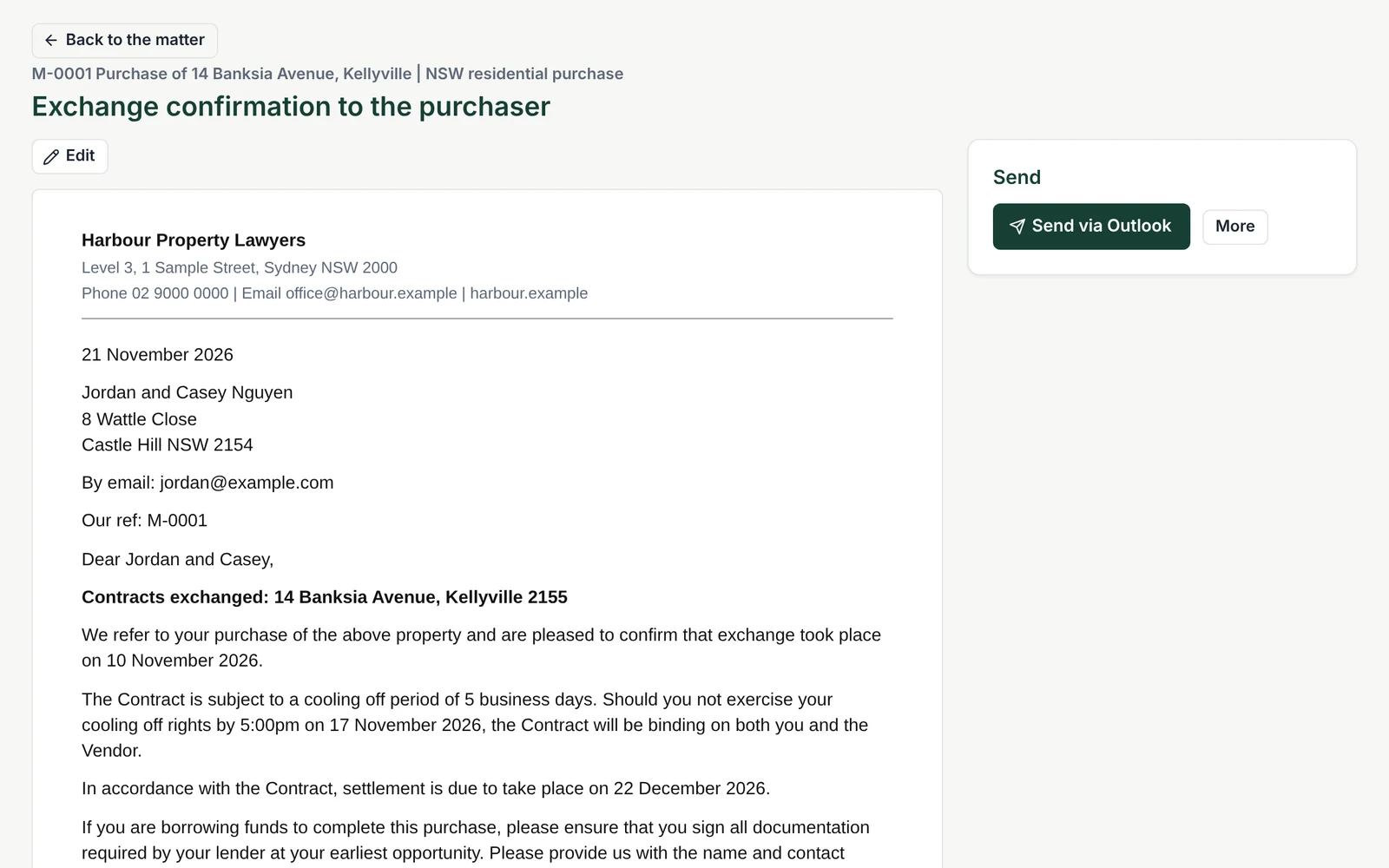
When the next stage of a matter includes a letter, the letter is ready with the rest of the stage. It opens inside Lawtic, filled in from the matter, in your firm's own wording.
Edit it in Lawtic
You read and edit the letter on the matter, alongside the documents it was prepared from.
Save it to the matter
When it is right, save it to the matter as both a Word document and a PDF, so the file shows what was sent. The letter is saved straight back to the matter in your practice management system.
Send it the way you already work
- Send via Outlook: if your firm uses Outlook, one click attaches the letter to an email in your Outlook, ready to send.
- Download and send: if you use another email program, download the Word or PDF version and send it however you like.
Nothing is sent without a person choosing to send it. Lawtic prepares the letter and keeps the file in order, and you decide what goes out and when.
See it on your own matters. Book a demo and we will walk you through it.
Book a demo